
Build Your Own Website Independently in Just 5 Minutes
No programming skills required! Build your professional website on Odoo yourself.

Odoo Website 🌐 – Your First Step into the Digital World!
Is it possible to build a website from scratch in just 5 minutes?
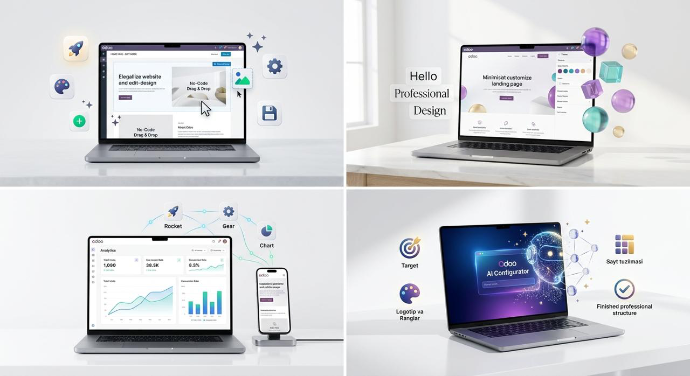
Yes! With Odoo's Artificial Intelegence (AI), it's incredibly easy. We load the Website from the Apps module and follow the four steps provided by the system: choose what you want, select the type of business if you need a website, and decide the purpose of the website. You then upload your logo, and Odoo's AI will suggest suitable color palettes—though you can choose your own if you prefer. You'll select the necessary pages and design. In the end, you'll have a ready framework with matching colors and professional images for your site. No need to know how to code!
In "Edit" mode, you assemble your website like a Lego set. Drag and drop ready-made blocks, change colors to match your brand, and achieve a professional result without writing a single line of code!
How does my website appear on a mobile device?
Every website created in Odoo automatically adapts to mobile devices. With the "Device Toggle" button, you can instantly check how the site appears on a phone or tablet and make specific changes exclusively for the mobile version.
Breathe life into the website 🎨
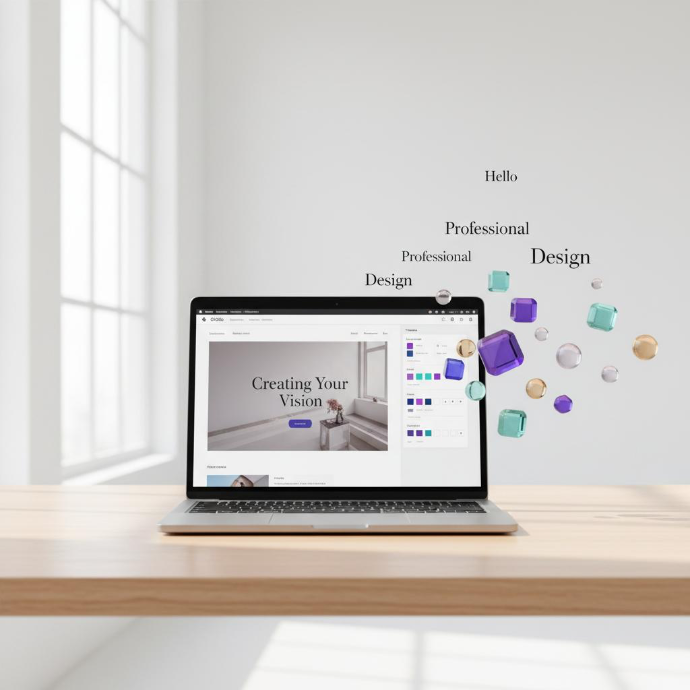
The framework of the site is ready; now let's give it a professional look. To do this, click the "Edit" button in the top right corner of the screen. Your main tools will appear on the right side.
Build effortlessly like assembling Lego blocks.
No need to write code to build a website! Simply drag and drop your favorite elements from the Blocks section on the right—whether it's a stunning banner or a list of services—directly onto your site.
Working with Details
Selecting a block opens the Customize panel, where you can change the background color, add a video backdrop, or adjust images down to the millimeter. Every pixel of your site will be precisely as you envision it.
Create Your Personal Brand
If you want your entire site to have a consistent style, go to the Theme section. Here, you can match all button colors to your brand and choose modern fonts that you like. With just a click, your site will transform into a completely new look!
Let your website "speak"
To keep your website engaging, add movement to text and images through animations. Let them glide in from the side or gradually appear. This will leave your clients thinking, "Wow, this site is incredibly modern!".
Mobile Version and Results 📈
Your website looks stunning; now we'll transform it into a powerful business tool. In this section, we'll check the site on mobile and learn to track customer actions.
How does your website appear on a mobile device📱 ?
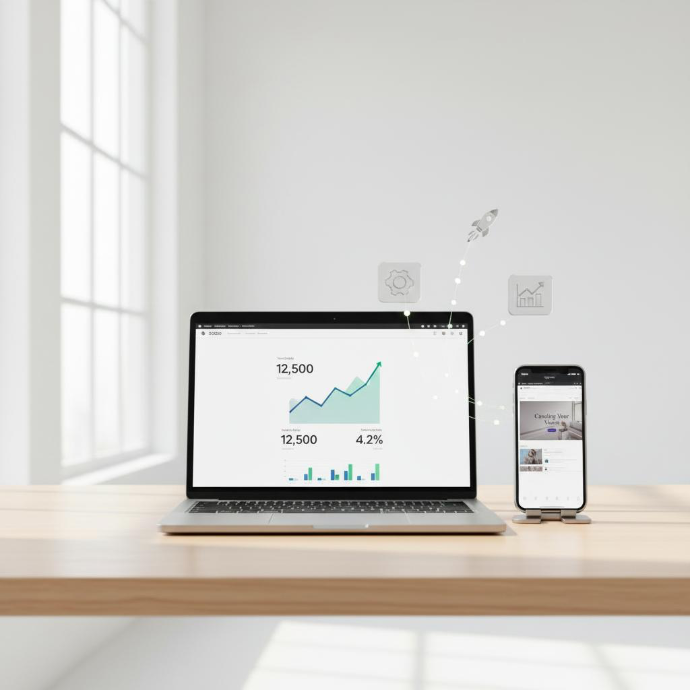
More than 80% of your clients access your site via mobile. Therefore, click the "Device Toggle" icon at the top of the screen to ensure everything looks perfect. If any image appears too large on mobile, you can resize it specifically for the mobile version. Odoo is an incredibly smart system!
Don't forget to save!
This is a small yet crucial rule: once you've finished editing, be sure to click the "Save" button above. Otherwise, your changes might not be preserved. Value your hard work!
Your Website Analytics
Your website is more than just an image; it's a powerful tool. By accessing the Analytics section, you can see in real-time how many visitors are on your site, which of your products are the most viewed, and the volume of sales. This data will guide the direction of your business.
Dunyoga ko‘rsatish vaqti keldi!
Is everything ready? Then go ahead and "Publish" your site. Congratulations, you've mastered creating a professional website from scratch without coding!