
Every Task is Under Control, Every Project is Successful!
You don't need to be a technical expert to organize work. Build your projects from scratch, assign responsible persons, and monitor results in real time. Odoo is the ideal project architect for your business.

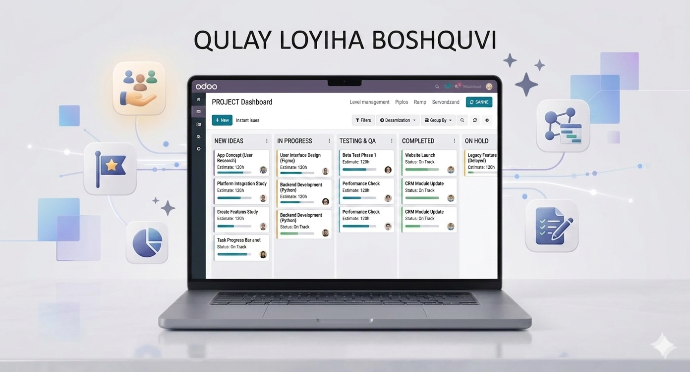
Projects Dashboard
This section serves to visually manage projects and monitor their overall status.
Visualizing Projects
Each project appears as a separate card, showing the number of tasks and the percentage of completion.
Kanban Columns
Categorize projects into stages such as "To Do", "In Progress", "Done", and "Cancelled".
Responsible Persons
It clearly shows who is working on each project and the deadlines (e.g., Apr 7 → Apr 25).
Quick Search and Filter
The ability to find the required project in seconds through the search panel.
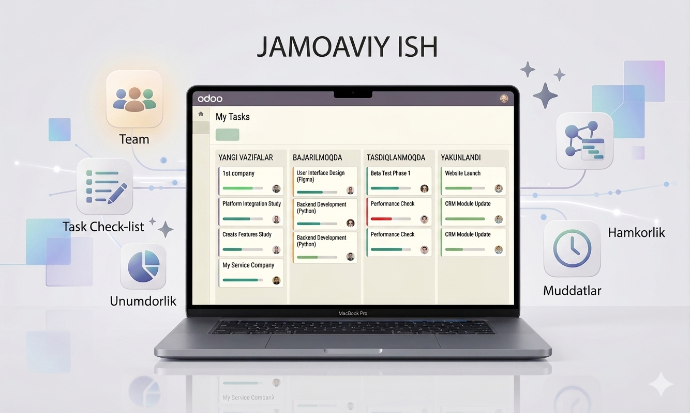
Tasks Management (Tasks Menu)
A section for individually monitoring and organizing each task in the workflow.
My Tasks
An organized list of all tasks personally assigned to the user.
All Tasks
The ability to view all active and completed tasks by company or team.
Status Monitoring
Monitoring the current status of each task and the time spent on it.
Interactivity
Easily move tasks from one stage to another using "drag-and-drop".
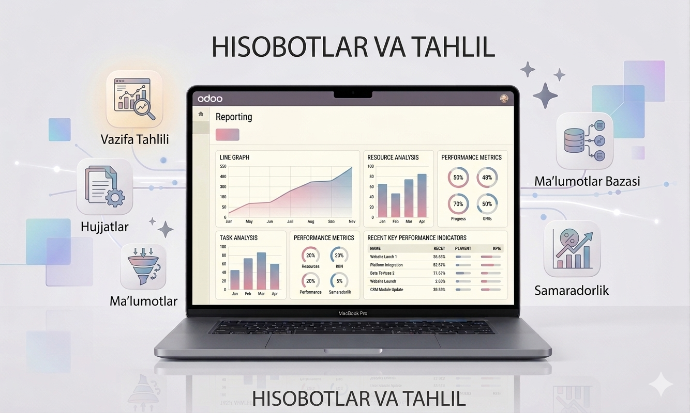
Analysis and Reports 📈
A database to view project productivity in numbers and make business decisions.
Tasks Analysis
Analyzing team efficiency, task completion speed, and workload in graphical form.
Customer Ratings
Tracking feedback and star ratings from customers on completed work.
Actual Margins
Calculating the ratio of time and resources spent on the project to the final profit.
Export capability
Download all reports in Excel or PDF formats.
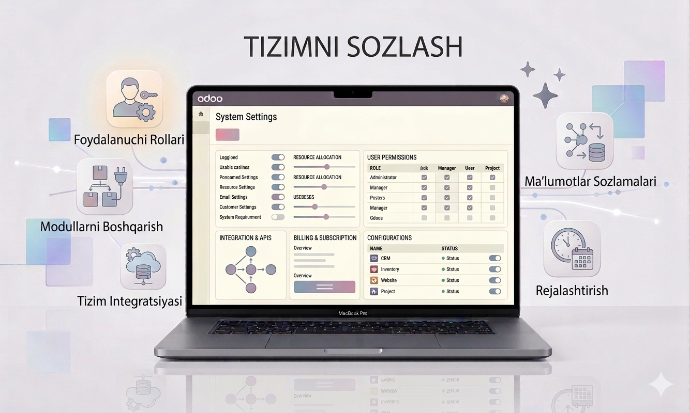
System Configuration
A management center to customize the platform to your company's specific needs.
Project & Task Stages
Creating or editing the stages (Workflow) that projects and tasks go through from scratch.
Tags & Roles
Creating tags to label projects and assigning roles (Project Manager, Designer, etc.) to team members.
Activity Types & Plans
Setting up the types of tasks to be done (Call, Email, Meeting) and their automated plans.
Settings
Managing general system settings, notifications, and other technical parameters.